What are hook-banners?
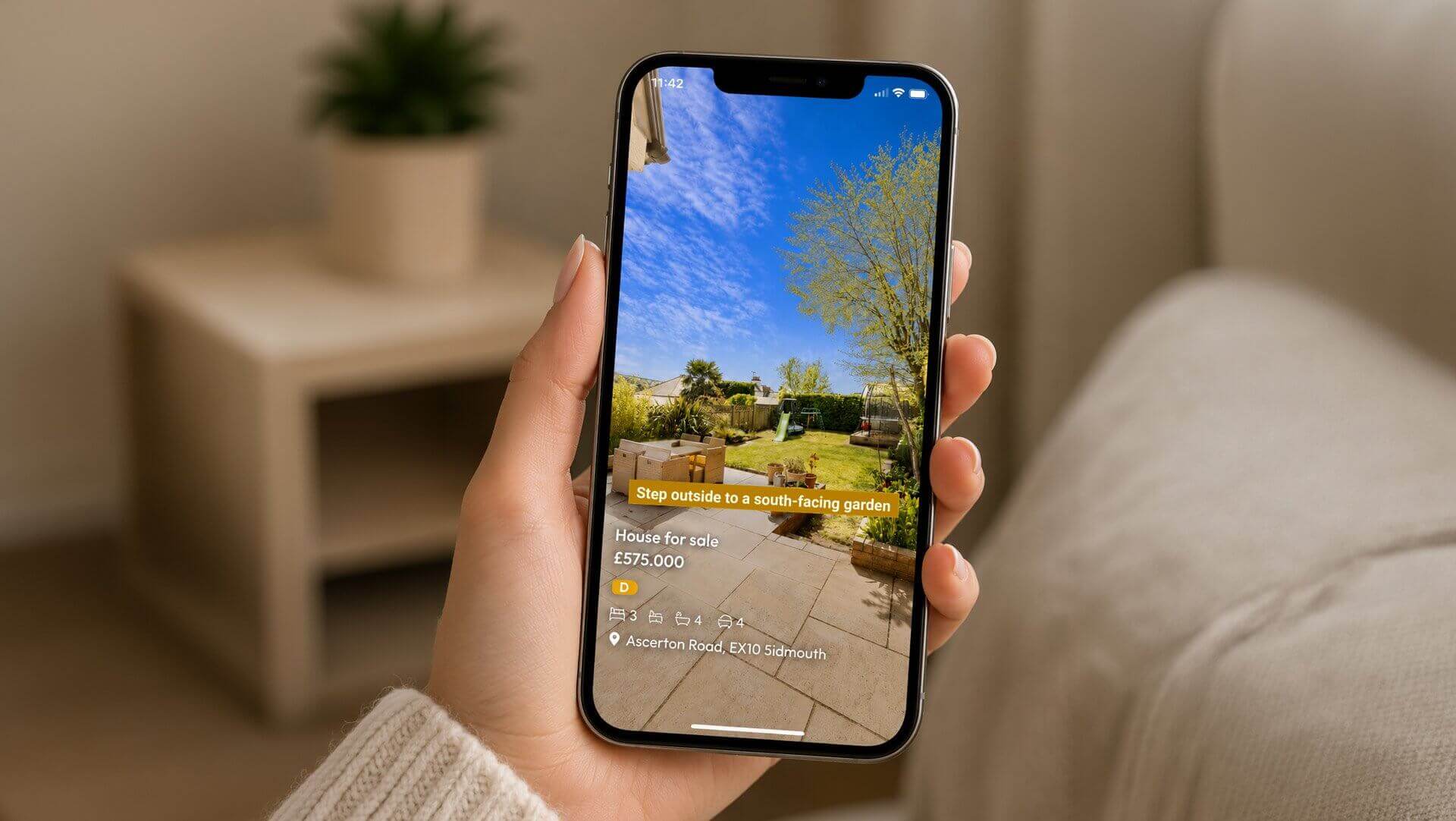
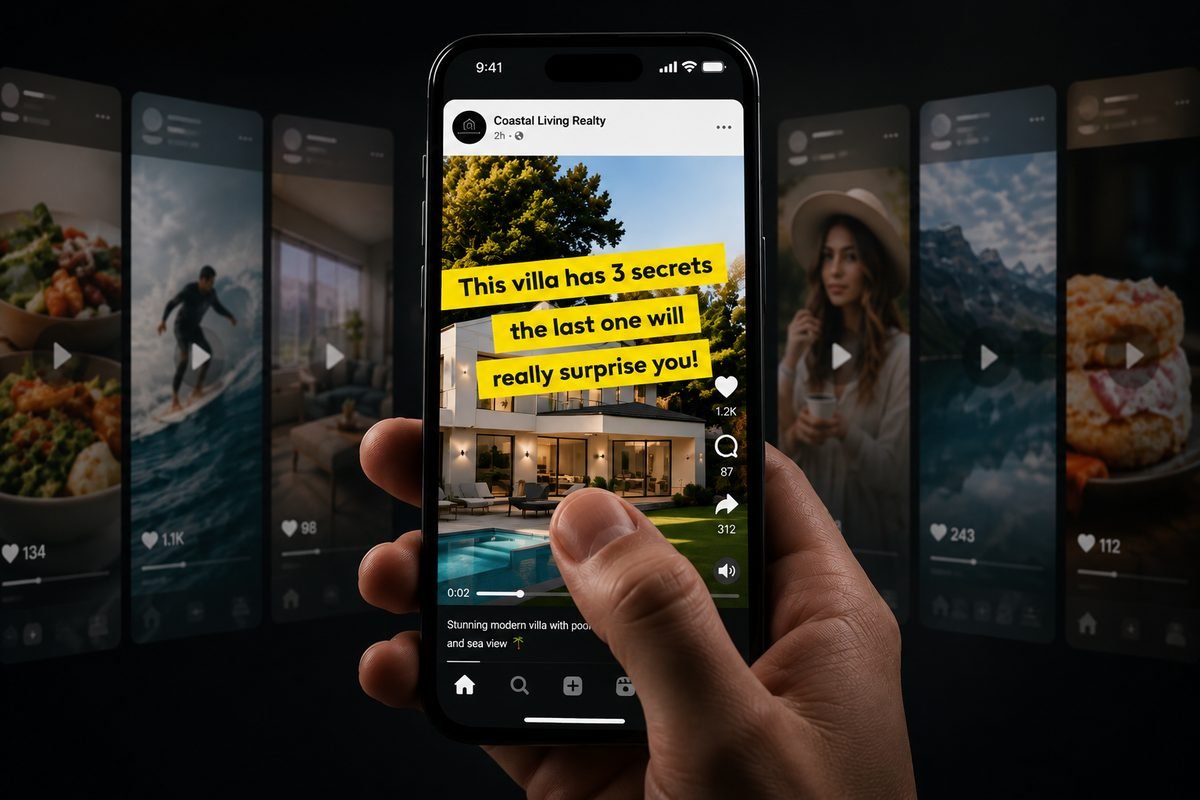
Hook-banners are short text lines (one, two or three, each around 22 characters) that sit large over the first seconds of your Nanopixo video and then make way for the property.
In 1926, Allan Odell came up with something advertisers still envy today. Instead of one big billboard along the American highway, his shaving-cream brand Burma-Shave put up a series of small signs in a row, each carrying one short line, together forming a rhyme with a punchline. Drivers kept reading, because every line promised the next; it made the brand famous nationwide. A hundred years later, your client scrolls with the same reflex. That's exactly why Nanopixo is launching hook-banners: one, two or three short lines, large over the first seconds of your listing video. "This villa has 3 secrets / the last one will / blow you away!" is a Burma-Shave on a facade.
You type the lines yourself or let the AI suggest copy, and the banners appear as pasted-on strips over your opening frame, with a subtle tilt if you like. The feature has just launched in beta and lives in step 4 of your video creation, 'Design': flip the switch, type three lines, done.
Hook-banners place up to three short lines large over the opening seconds of your video: now in beta, switchable per video in step 4 'Design', with AI copy suggestions.
Why the first seconds decide everything
The first seconds of a video determine whether someone keeps watching, and watch time is the dominant ranking signal on Instagram, TikTok and YouTube: content that holds attention gets distributed more widely, for free.
And the opening frame is also the image the feed shows before anyone taps your video. That makes a hook-banner work twice. In the feed, it's the headline that stops the scroll; once the video plays, it's the promise that holds the viewer, until the banners fade away and the property takes over.
The banner is the packaging; the hook itself remains the real work. To learn what makes a good hook for real estate, read How to make a listing video people keep watching, including twenty ready-made hook lines you can paste straight into a banner.
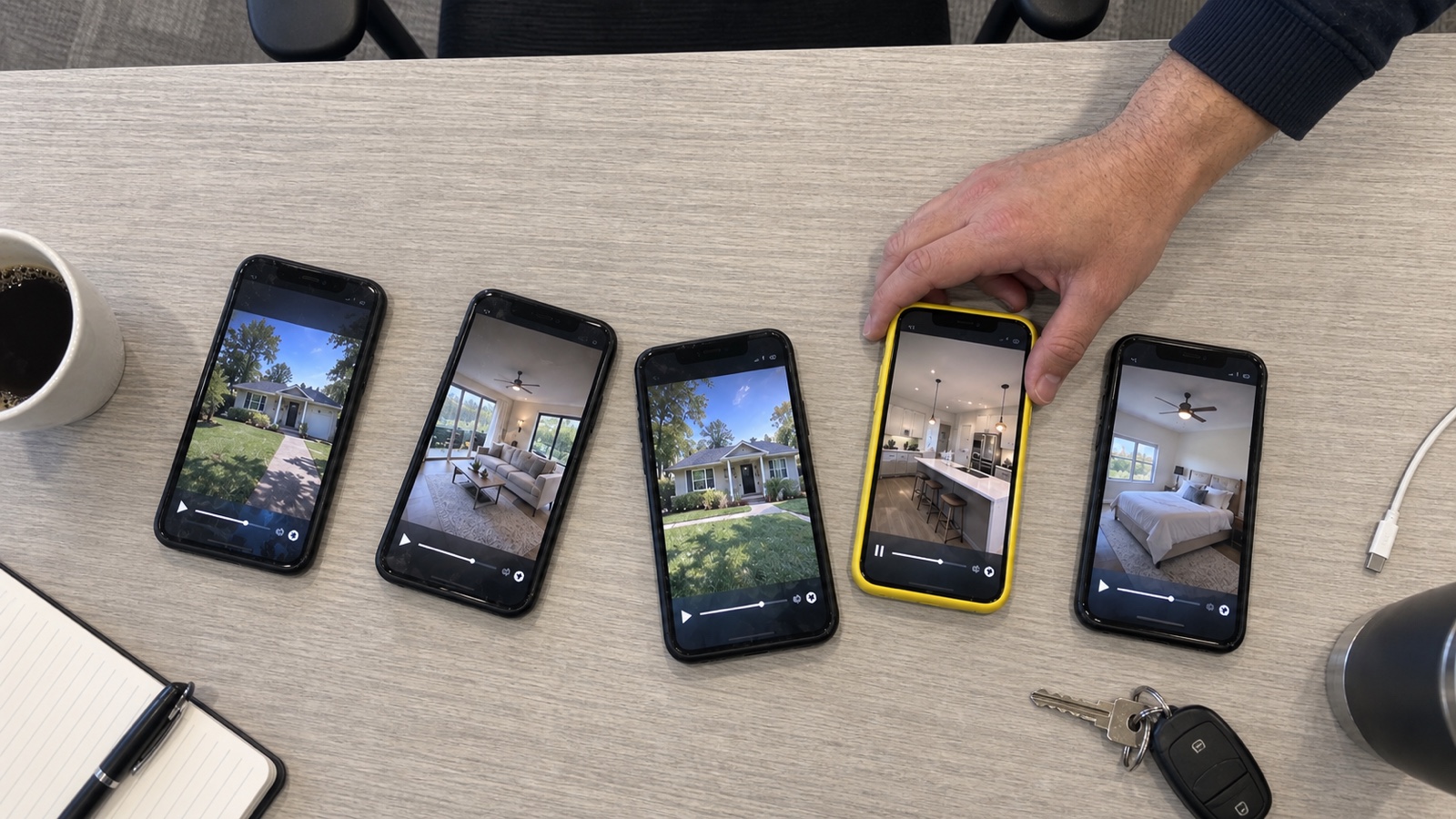
The opening frame is your feed image and your first seconds at once; a hook-banner stops the scroll and primes the viewer, the two moments where watch time is won.
How to set up hook-banners
Setting up hook-banners is a matter of choosing, not designing: every element comes with a sensible default.
- The text. Up to three lines of about 22 characters each. Stuck for words? Suggest copy proposes lines based on your property.
- The color. Pick a suggested background color or enter your own brand color with a color code. The text color defaults to automatic best contrast, so your lines are always readable.
- The timing. The banners stay on screen for 2 to 5 seconds; then the property details appear. For the exit, choose from cut, fade, slide or collapse; the opening frame always stays identical.
- The look. Three text sizes, and a tilt from straight to pronounced, for that hand-pasted effect.
- Clean opening. Want the opening seconds entirely for the hook? This switch holds back the property details until the banners are gone.
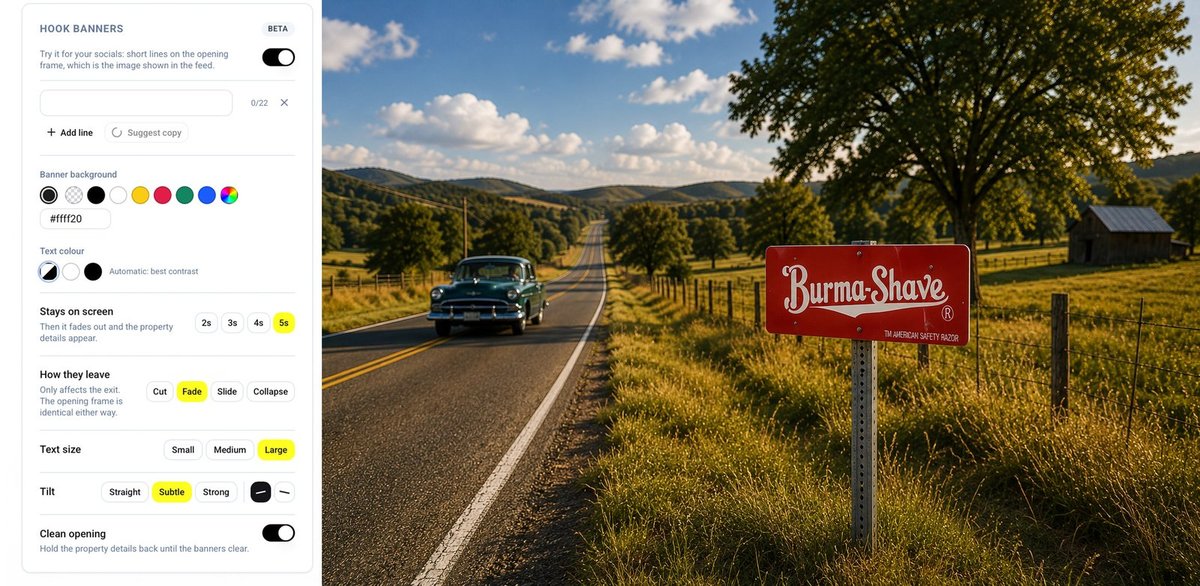
You control text, color, timing, exit animation, size and tilt, with AI suggestions and automatic contrast as a safety net.
Conclusion
Burma-Shave knew it all along: you don't stop someone racing by with one big billboard, but with short lines that promise each other.
Hook-banners bring that principle to your listing video: three lines, large on screen, on the one frame everyone sees anyway. The rest stays just as you know Nanopixo: your videos, photo carousels and free-form posts are published automatically on 6 channels, in 13 languages, driven from your chat.
The feature is in beta and ready to try. Create a video, flip the switch in step 4 'Design' and type your first hook; start for free or check the plans from ~€10 per video on the pricing page. Writing one strong opening line takes less time than you needed to read this article.